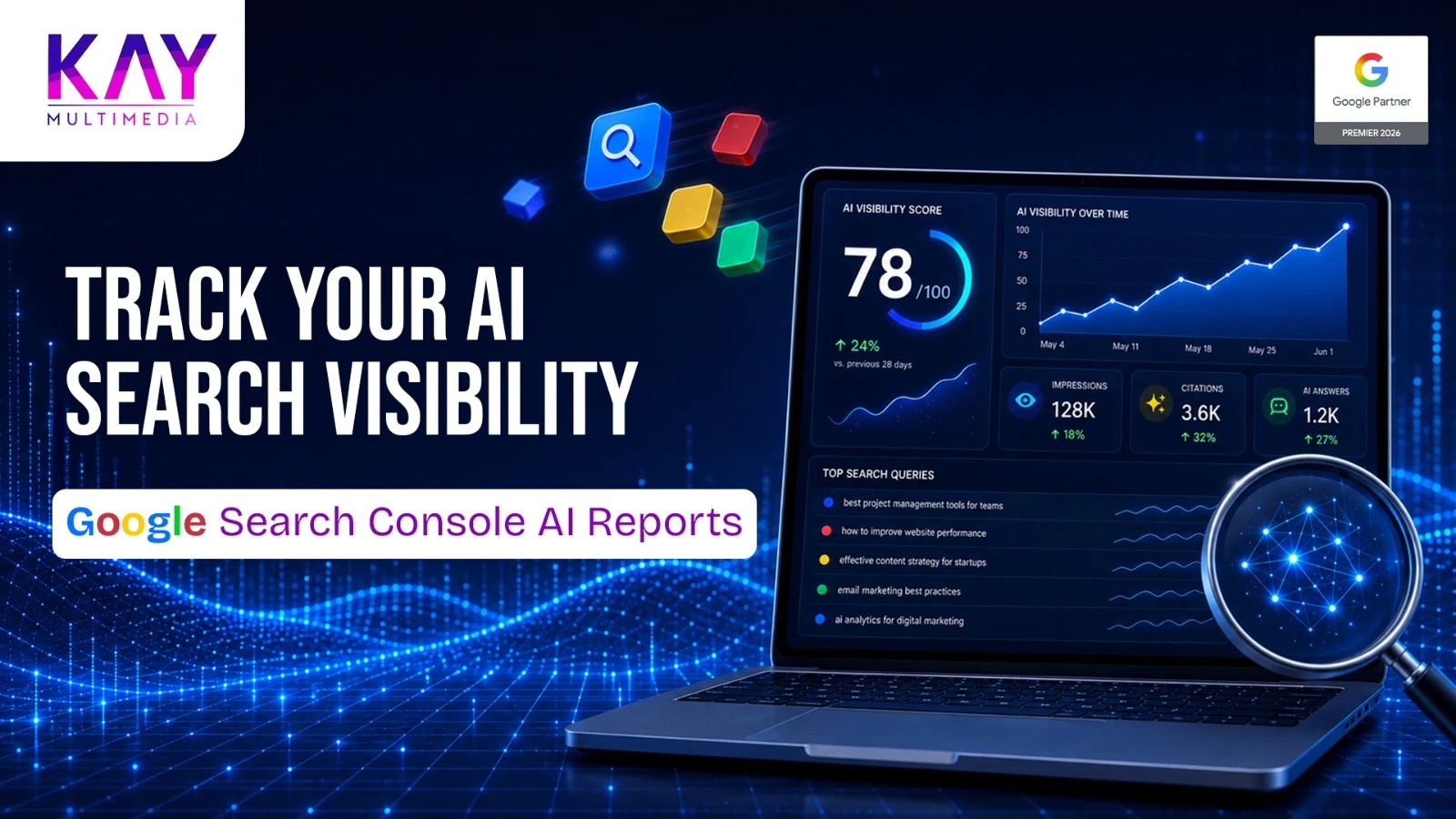
Google Search is changing quickly and website owners now have a new way to understand how their content appears in AI-powered search experiences. Google Search Console's new AI Search Performance Reports provide dedicated visibility data for generative AI features such as AI Overviews and AI Mode, helping marketers understand where their content is being surfaced.
For digital marketing students and business owners in Chennai, these reports offer a useful way to move beyond traditional keyword rankings and understand how content performs as search becomes more conversational and AI-driven.
What Are Google Search Console's New AI Search Performance Reports?
Google introduced dedicated Search Generative AI performance reports in June 2026. These reports are designed to show how websites appear within generative AI features across Google Search and Discover. The rollout is currently limited to a subset of websites as Google continues testing and collecting feedback.
The Search report focuses on generative AI features such as AI Overviews and AI Mode, while the Discover report provides visibility into generative AI features in Discover.
The new reports can help website owners examine:
- Impressions from generative AI features
- Pages that appeared in AI experiences
- Countries where visibility occurred
- Devices used by searchers
- Performance trends across different dates and time periods
This gives marketers another layer of information alongside the standard Search Console Performance report.
If you're new to Search Console, Google's official Search Console guide explains how the platform helps website owners monitor crawling, indexing and search performance.
Why Do AI Search Performance Reports Matter?
Traditional SEO reporting often revolves around rankings, clicks, impressions and click-through rates. Those metrics still matter, but the way people interact with Google Search is becoming more complex.
A person may ask Google a detailed question and receive an AI-generated response containing links to several websites. That user journey is different from simply typing a keyword and choosing the first blue result.
Google says AI Overviews and AI Mode use relevant links to help people explore information beyond the generated answer. The same foundational SEO practices that apply to traditional Google Search also remain important for AI features.
For businesses, this means SEO shouldn't be viewed only as a ranking exercise.
It is also about creating useful information that can be understood, discovered and referenced across different search experiences.
How Do You Access the New AI Search Performance Reports?
If the feature is available for your property, you can access it through your Google Search Console account.
Start by selecting the website property you want to analyze. Then look for the dedicated generative AI performance reporting options available in your Search Console interface.
Keep in mind that Google is rolling these reports out gradually. If you don't see the new report yet, that does not necessarily mean something is wrong with your account or website. Google stated that the initial launch was limited to a subset of websites.
Once the report becomes available, don't immediately start looking for a single "AI ranking."
Instead, look for patterns.
What Should You Check in the AI Search Report?
1. Which Pages Are Appearing in AI Search?
The Pages view is one of the most useful places to start.
Look at the URLs that are appearing in generative AI features. Then ask why those particular pages may be useful for the searches Google is serving.
For example, a Chennai-based marketing website might find that an educational blog receives AI-search visibility while a commercial service page receives less.
That doesn't necessarily mean the service page is weak. It may simply mean the informational article better matches the questions people are asking.
This is where a structured SEO content strategy can help businesses connect informational content with commercial pages naturally.
2. Which Countries Are Generating Visibility?
The Countries report can show where your URLs are appearing in generative AI experiences.
For a Chennai business targeting customers primarily in Tamil Nadu, this information can help determine whether the website is reaching the intended geographic audience.
Suppose a company expects most of its visibility to come from India but sees significant impressions from other countries. That may lead to useful questions about content targeting, international search demand or the topics attracting visibility.
The data doesn't automatically tell you what to change. It gives you evidence to investigate.
3. Are Mobile Users Seeing Your Content?
Device-level information can also reveal useful patterns.
If a significant portion of AI-search visibility comes from mobile devices, review the pages from a mobile user's perspective.
Are headings easy to scan?
Can visitors quickly find the answer?
Does the page load properly?
Are important links and calls to action easy to use?
These questions matter because good search visibility is only valuable when the resulting website experience works for the visitor.
4. How Is Visibility Changing Over Time?
Don't judge AI search performance from a single day.
Google's new reports provide date-based analysis, including different time granularities, allowing site owners to examine changes over time.
Compare periods and look for consistent patterns.
A temporary increase may not require any action. A sustained change across several important pages deserves closer investigation.
If you notice a broader organic traffic decline, Google's guide to debugging Search traffic drops provides a useful framework for investigating affected pages, search types and possible causes.
How Should Digital Marketing Students Analyze the Data?
For students, the biggest lesson is that SEO is no longer just about memorizing keyword-placement rules.
Suppose Search Console shows that a website is gaining visibility for questions such as:
- What is local SEO?
- How does Google Ads work?
- How can a small business improve online visibility?
- What is the difference between SEO and PPC?
These queries reveal search intent.
The next step is to examine whether the website provides strong answers to those questions.
A useful workflow is:
Search query → Search intent → Relevant page → User question → Content quality → Business objective
This approach helps students understand how keyword research, content strategy, SEO analytics and conversion optimization work together.
How Can Business Owners Use the Data?
Business owners don't need to become Search Console experts to benefit from these reports.
Start with three simple questions.
Which pages are getting AI-search visibility?
These pages may represent topics your audience finds useful.
What does that visibility tell us about customer questions?
Recurring topics can reveal opportunities for new blog posts, FAQs, guides and service content.
Are those pages helping the business?
Visibility is only one part of the picture. You should also consider website engagement, leads, enquiries, sales and other business outcomes using appropriate analytics and conversion tracking.
For businesses looking for a Digital Marketing Company in Chennai, this type of data can make SEO discussions much more practical. Instead of focusing exclusively on rankings, teams can connect search visibility with content opportunities and business goals.
How Can You Optimize Your Website for AI Search?
There is no secret AI-search formula that guarantees visibility.
Google's own guidance states that the foundational SEO practices used for Google Search remain relevant to AI features. Pages must meet Google's technical requirements and be eligible to appear in Search, while helpful, reliable, people-first content remains important.
That means your strategy should focus on fundamentals:
- Answer the main question clearly.
- Create genuinely useful original content.
- Organize information with descriptive headings.
- Cover related questions naturally.
- Keep important information accurate and updated.
- Build relevant internal links between related pages.
- Make pages accessible to both users and search engines.
- Review Search Console data regularly.
For businesses managing SEO alongside paid campaigns, performance marketing can complement organic search efforts by providing additional data about audience behavior, conversions and campaign performance.
What Should You Avoid When Analyzing AI Search?
Don't assume that every change in AI visibility means your rankings have improved or declined.
AI search is only one part of the wider search ecosystem.
Also avoid creating content simply because you believe an AI system might mention it. Google's guidance emphasizes the same people-first SEO fundamentals for AI features rather than requiring special "AI optimization" techniques.
Another mistake is relying entirely on third-party tools that claim to know Google's internal AI or ranking data. Google specifically recommends being cautious about such claims and using its own Search Console data alongside official guidance.
FAQs About Google Search Console's AI Search Performance Reports
1. What are Google Search Console's new AI Search Performance Reports?
Google's new Search Generative AI performance reports show website visibility within generative AI features on Google Search and Discover. They provide information such as impressions, pages, countries, devices and dates where applicable.
2. Can every website access the new AI Search Performance Report?
Not necessarily. Google initially launched the dedicated generative AI performance reports to a subset of websites and is gradually expanding availability. If the report isn't visible in your account, it may simply not have reached your property yet.
3. Does AI Search replace traditional SEO?
No. Traditional SEO remains important. Google states that the foundational SEO practices used for normal Search also apply to AI features such as AI Overviews and AI Mode. Websites still need to meet technical requirements and provide helpful, reliable content.
4. How can I improve my website's visibility in AI search?
Focus on technical SEO, helpful people-first content, clear answers, strong topical coverage, relevant internal linking and accurate information. There is no guaranteed tactic that forces a page to appear in AI-generated search experiences.
5. Why should Chennai businesses monitor AI search performance?
AI search can change how potential customers discover information about businesses and services. Monitoring Search Console data helps Chennai businesses understand which pages and topics are gaining visibility and where their content strategy may need improvement.
Final Thoughts
Google Search Console's new AI Search Performance Reports give marketers another useful source of first-party data as search continues to evolve. The real value isn't simply knowing that a page appeared in an AI experience. It's understanding which content gets visibility, where that visibility comes from and what users may be looking for.
For digital marketing students, these reports provide a practical way to understand modern search behavior. For business owners, they can support better decisions about content, SEO and online visibility.
If you want to turn changing search behavior into a practical growth strategy, KAY Multimedia Solutions can help you build a data-driven digital presence as a Google Premier Partner.




 Call Now

